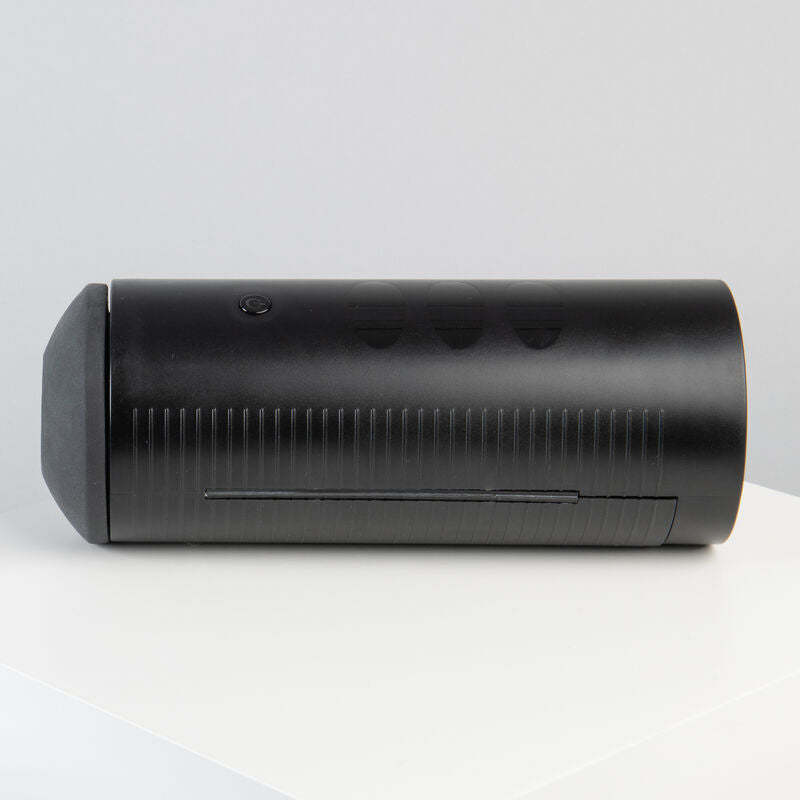
Kiiro's Titan is an interactive male masturbator featuring an innovative tactile vibration system with 9 vibrating balls that intensify the sensations of male masturbation. Designed to prolong endurance and increase male pleasure.
Titan can connect to over 4,000 interactive videos from various content platforms. Experience the movements of your favorite actresses, whether in 2D or virtual reality. Titan can also connect to other Kiiro devices from anywhere in the world, sharing the experience with other users via touch controls, adjusting the speed and intensity of vibrations on other connected users' devices.
It features 6 vibration modes. Charging time is 3 to 3.5 hours, for a usage time of 30 to 40 minutes.
INTERACTIVE SESSIONS ARE THE FUTURE!!! You can enjoy sessions with other users who also have an interactive toy (there are many). You have the ability to control your pleasure and vice versa. Simply download the FeelConnect mobile app, connect the interactive toy to the app, and scan the QR code on any webcam site.
HOW TO CONNECT TO THE FEEL CONNECT APP:
1. Download the Feel Connect app on your phone and click on "Add a device" in the top left menu.
2. Turn on the interactive toy and activate Bluetooth mode on the phone.
3. Wait for the application to find the device, then click on "Add selected devices" at the bottom of the screen.
4. The device is now connected to the Feel Connect app and is ready to use.
5. Your favorite website will now be added. Click "Add Website" in the top right menu. The app will open a QR code.
6. You now need to step away from your mobile device for a moment and go to your computer to find one of the compatible websites. Start the registration process and click the "interactive button." Keep in mind that each site has its own login experience.
7. Scan the code that appears when you click the "interactive button" and you're ready to go. From now on, the interactive toy will vibrate every time another user sends a tip.
8. You are now ready to start a new interactive session. This process only needs to be done once. Each time you want to interact again, simply turn on the toy and open the app on your phone.